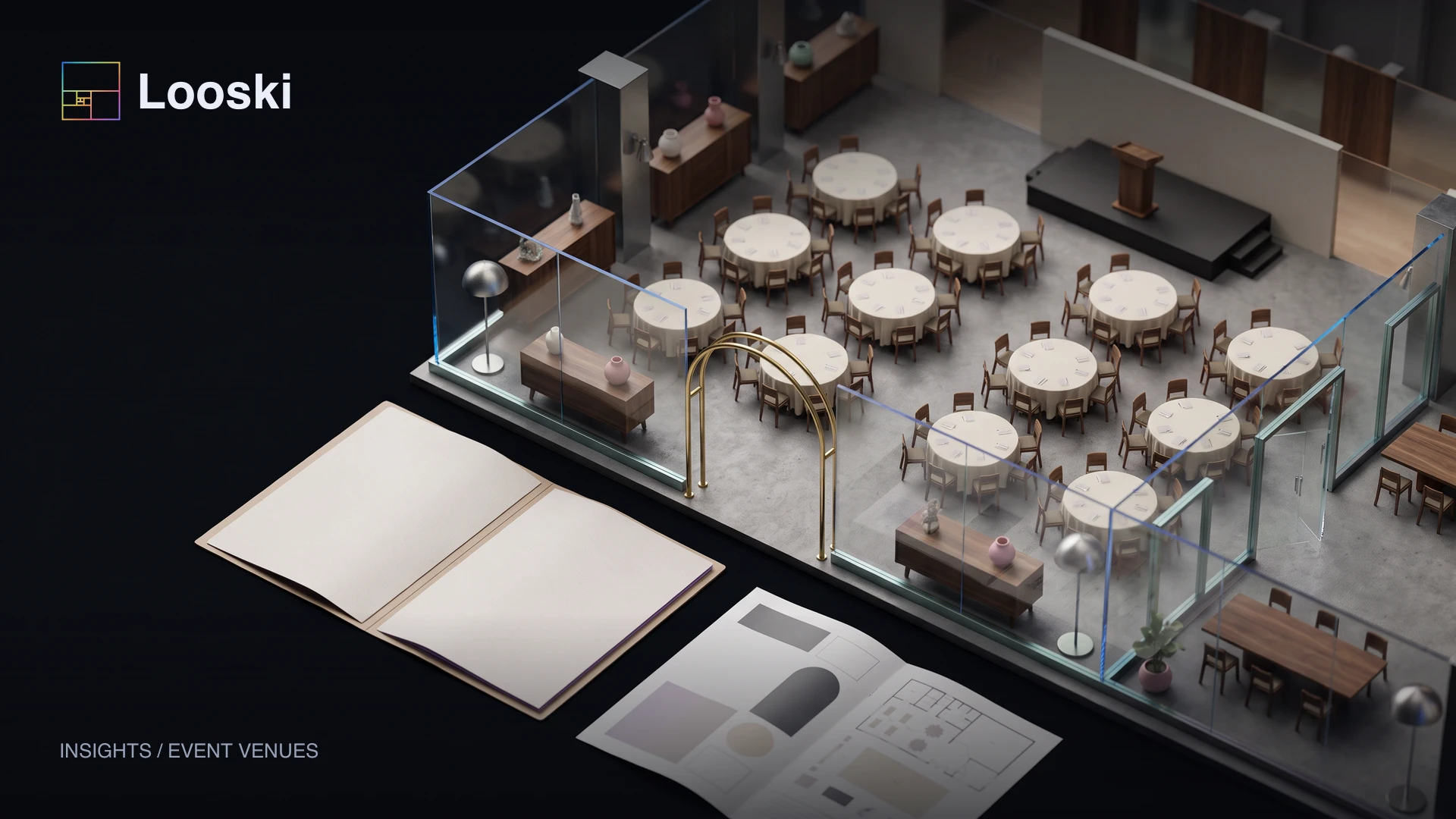
Venue sales involve dependencies: a date, a space, a layout, supplier access, a proposal, and a decision. A useful agent keeps those dependencies visible so a warm inquiry does not stall between teams.
This is a proposed workflow to configure and test with your business. It does not assume that Dots already has access to your sales systems.
Move the event through qualification, tour, and agreement
Define the result, the records the agent should use, and who owns the decisions. Keep the opportunity state in a shared tracker your team can inspect, with stable IDs, current sources, and the next action.
Prepare the information Dots needs
Venue specifications
Capacity by layout, access, operating hours, equipment, restrictions, and approved venue descriptions.
Commercial information
Hire rates, packages, fees, payment milestones, contract templates, and cancellation terms.
Availability and holds
The current booking calendar, provisional holds, expiry times, and the person who can confirm a date.
Opportunity records
Inquiry source, event requirements, buyer contacts, tour history, proposal version, and next action.
Verify app access before assigning work. Configure recurring tasks explicitly. Define action permissions before sending or changing records.
If a needed connection is unavailable, use an approved export for research and draft preparation. Keep source timestamps visible and require a current system check before an action depends on price, availability, or status.
Build the agentic workflow
1. Qualify the event
Capture the event type, requested date, attendance, layout, budget, and essential facilities. Flag a mismatch before preparing a proposal the venue cannot fulfill.
2. Check the calendar correctly
Distinguish available dates from provisional holds and confirmed bookings. Ask staff to resolve conflicts or stale calendar information before making a commitment.
3. Coordinate the next decision
Prepare relevant venue information or propose verified tour options. Record the prospect’s decision timeline and outstanding questions.
4. Keep the proposal current
Update the working brief when attendance, suppliers, or setup requirements change. Route commercial and operational exceptions to their owners.
5. Verify the booking conditions
Check the signed agreement and required payment status under the venue’s rules. Hand confirmed event details to operations and stop acquisition follow-ups.
A worked example
Illustrative scenario; this is not a reported customer result.
An organizer increases attendance and adds an early setup request after a tour. Dots flags the layout and access implications, prepares the revised event brief, and asks the venue manager to approve the new proposal.
A starter instruction for your dot
Maintain our venue inquiry queue using current specifications, calendar information, and commercial terms. Identify missing requirements and prepare tour or proposal follow-ups.
Do not promise dates, release holds, change contracts, or confirm bookings without the defined authorization. Verify the required agreement and payment steps before the operations handoff.
For a repeating check, add a time, time zone, end date, and where results should arrive. Ask for confirmation that the schedule was saved. Define which exceptions deserve a notification and when the workflow should stop.
Measure the commercial result
Track qualified inquiries, tours, proposals, confirmed events, contribution, and time to decision. Compare lead sources using completed events and cancellations, rather than valuing every inquiry equally.
Keep the handoff clear
Keep the calendar authoritative. A copied spreadsheet or an agent’s remembered availability must not override a later booking, an expired hold, or a staff decision about operational capacity.
Begin with a small, reviewable pilot. Inspect the records and actual outcomes before expanding its scope. Give the agent enough authority to complete the agreed work, with clear ownership of exceptions.
Talk to Looski about this workflow. We can help map the data, integrations, decisions, and measurement before implementation.
Frequently asked questions
Can Dots manage provisional venue holds?
It can help track holds and their deadlines if reliable data is available. Creating, extending, or releasing a hold needs an explicitly authorized process and a supported write action.
What is different from private dining follow-up?
Venue hire may involve layouts, equipment, supplier access, tours, and multiple contract milestones. The workflow should reflect those dependencies rather than assuming a restaurant menu and guest count are sufficient.